PhantyQuad [Blender Plugin]
A downloadable tool for Windows and Linux
PhantyQuad
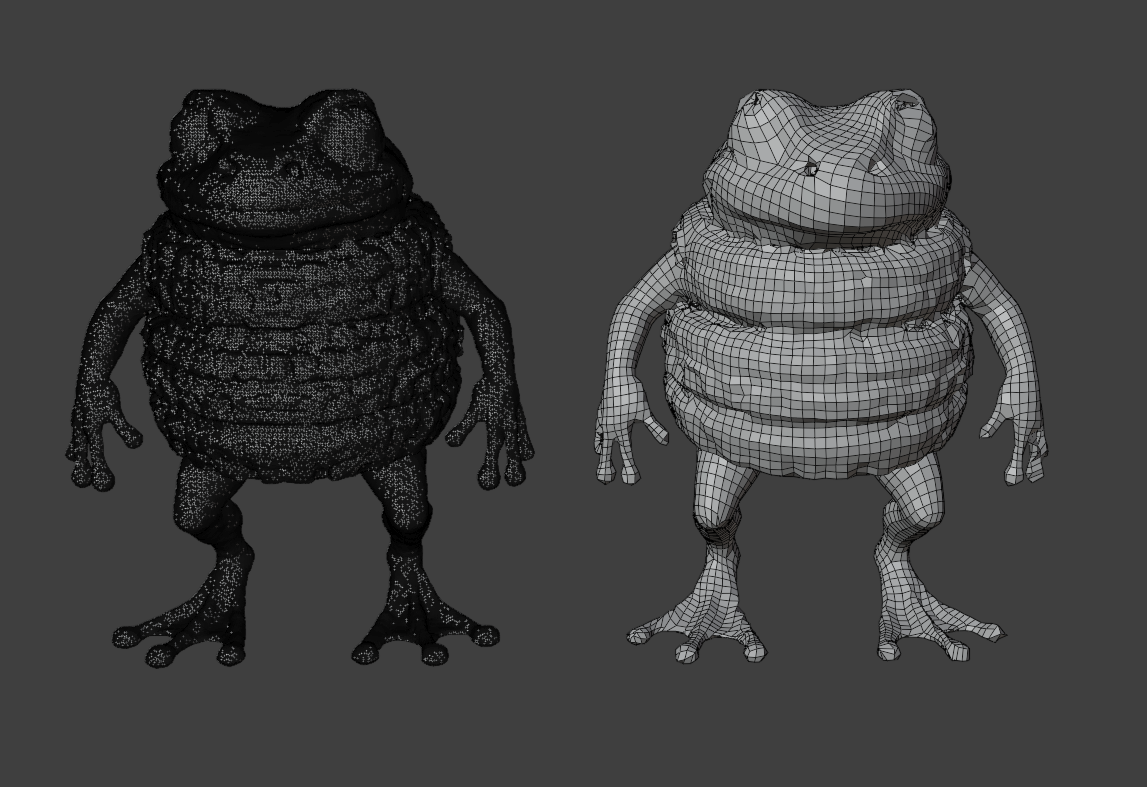
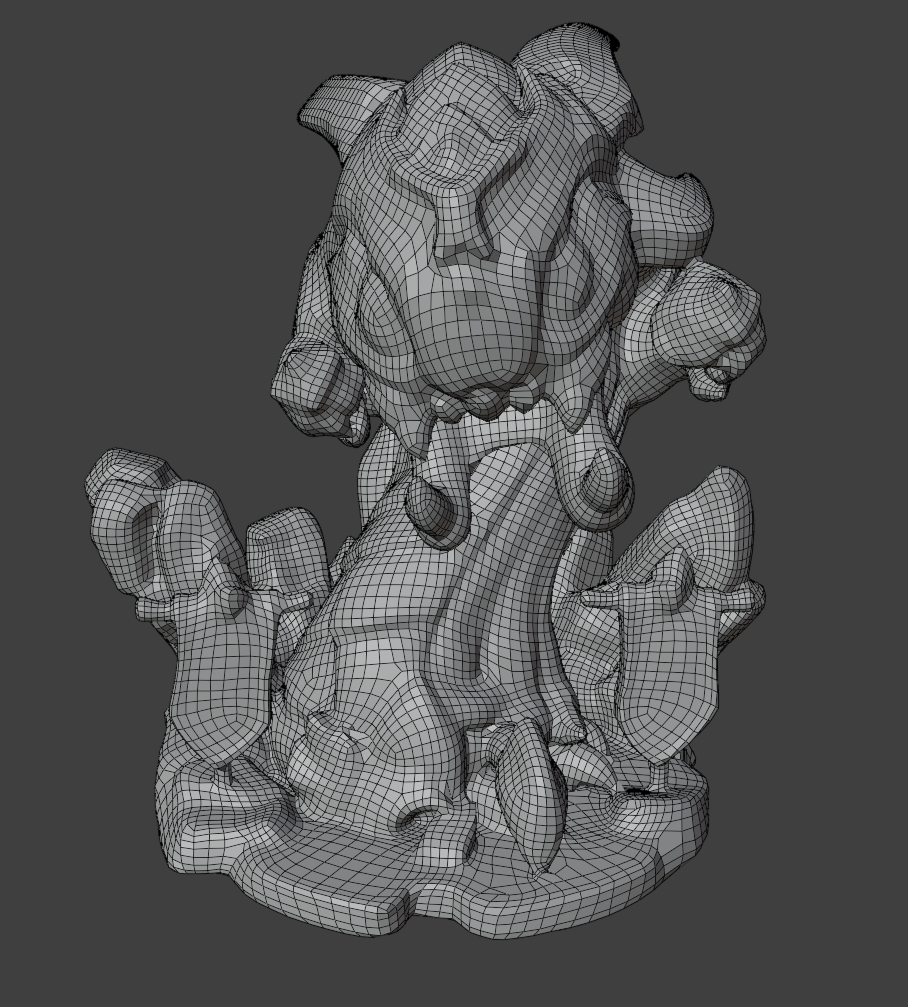
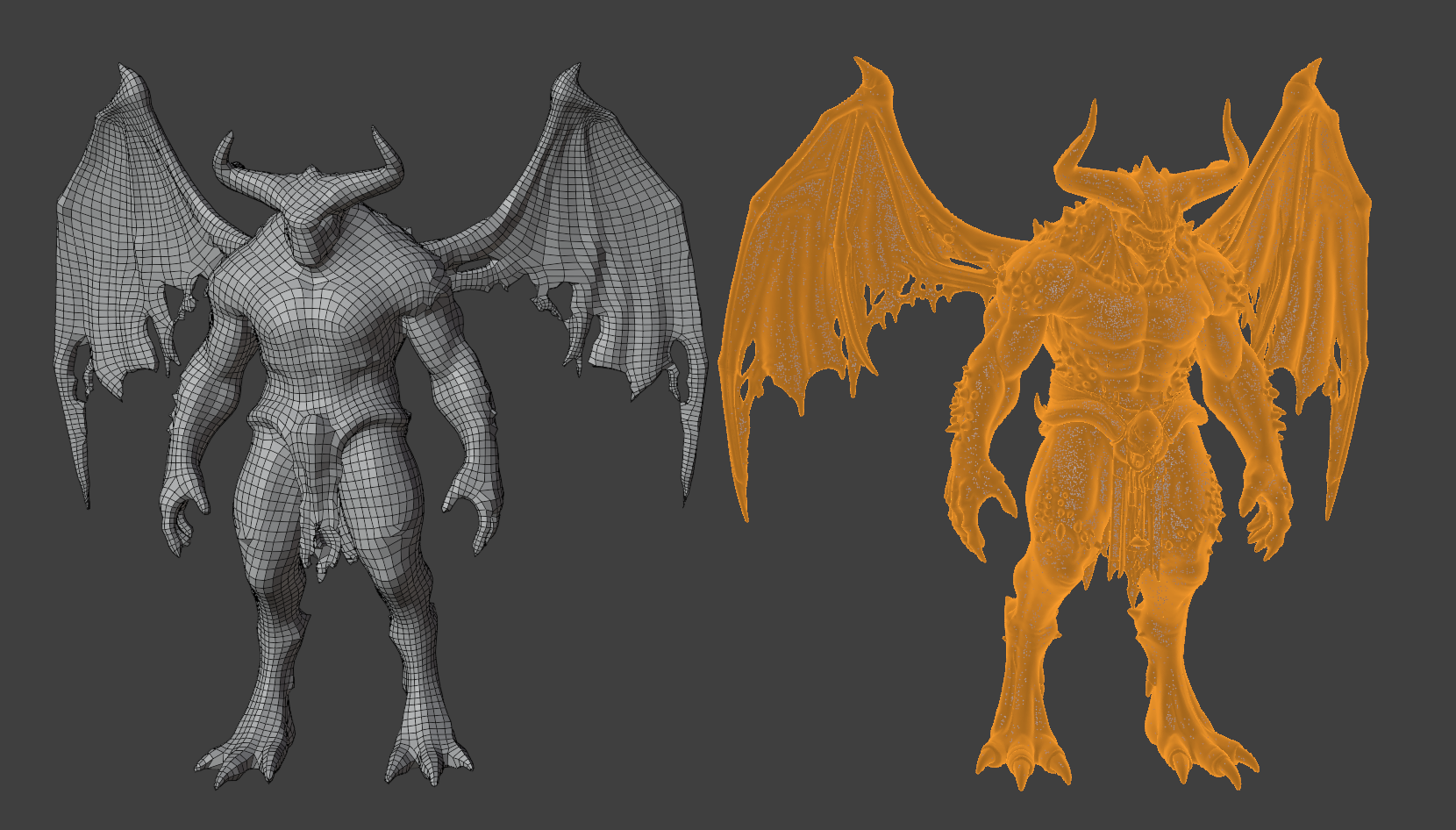
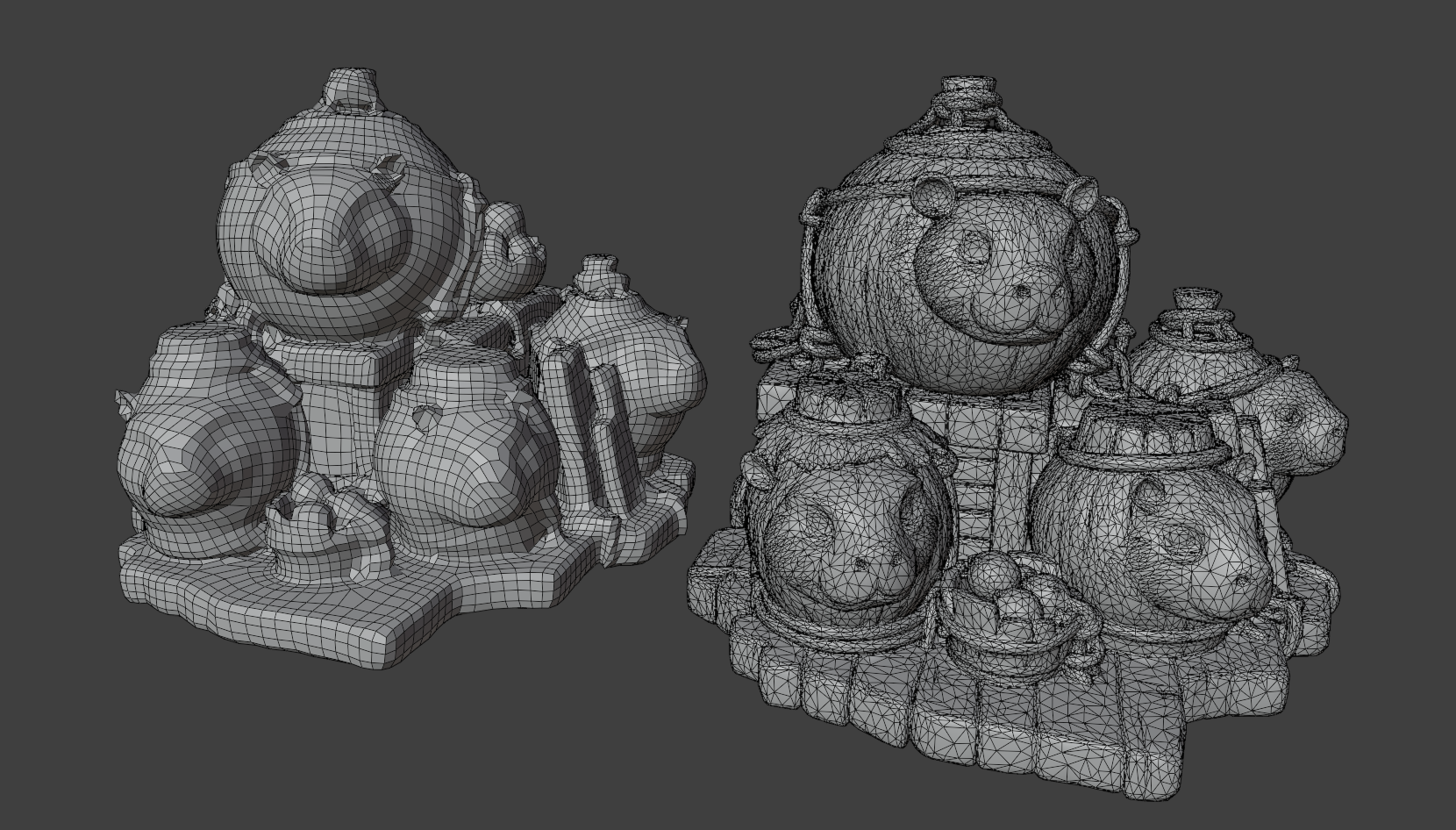
PhantyQuad is a streamlined Blender remeshing tool designed to turn dense or irregular geometry into cleaner, more manageable quad-based meshes.
The addon keeps the workflow simple: choose your desired topology settings, press Remesh, and let PhantyQuad generate a new quad mesh while attempting to preserve the original shape and important surface features.
Features
- Clean quad-based remeshing
- Adjustable target face count
- Controllable quad size and mesh density
- Watertight output options
- Sharp-feature preservation
- Surface-normal smoothing controls
- Adaptive topology distribution
- Simple one-click workflow directly inside Blender
Settings
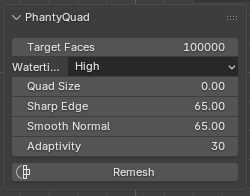
Target Faces
Defines the approximate number of faces you would like the generated mesh to have.
This value should be treated as a target direction rather than an exact face count. The final result may vary depending on the shape, complexity, proportions, and surface details of the input model.
Quad Size
Controls the average size of the generated quads.
Increasing Quad Size creates larger polygons and therefore usually produces a lower final face count. Lower values create smaller quads and allow more topology to be distributed across the surface.
Quad Size can be used together with Target Faces to fine-tune the overall mesh density.
Watertightness
Controls how strongly PhantyQuad prioritizes generating a closed, watertight surface.
Higher settings are useful for models containing holes, open surfaces, internal geometry, or other difficult topology.
Sharp Edge
Controls how strongly sharp edges and defined surface features are preserved during remeshing.
Smooth Normal
Adjusts how smoothly the generated topology follows changes in the surface normals.
Adaptivity
Controls how much the quad density can vary across the model.
Higher adaptivity allows simpler areas to use fewer and larger quads while more detailed areas receive additional topology.
Important Note
PhantyQuad is designed to produce a practical remeshed result rather than guarantee an exact polygon count. Complex models, thin surfaces, small details, intersecting geometry, and damaged input meshes can all influence the final topology.
Purchase
In order to download this tool you must purchase it at or above the minimum price of 4.99€ EUR. You will get access to the following files:
Development log
- PhantyQuad Remesher [Blender Plugin]46 days ago